After scanning all packs, scroll to the bottom control menu and tap Complete Scan.
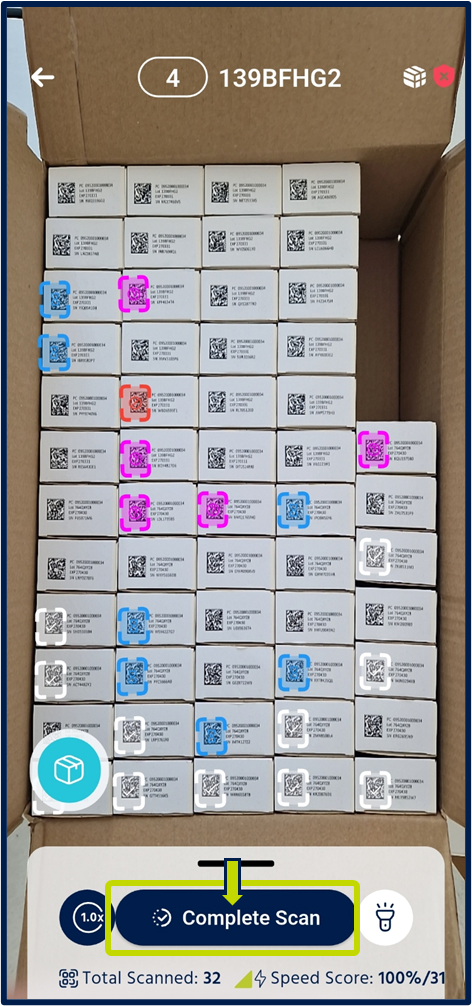 The app uploads all scanned data to the backend. You can then review the results in Scan Sessions and Scan History in the portal, where you can filter, export, or trigger further operations.
Was this article helpful?
That’s Great!
Thank you for your feedback
Sorry! We couldn't be helpful
Thank you for your feedback
Feedback sent
We appreciate your effort and will try to fix the article